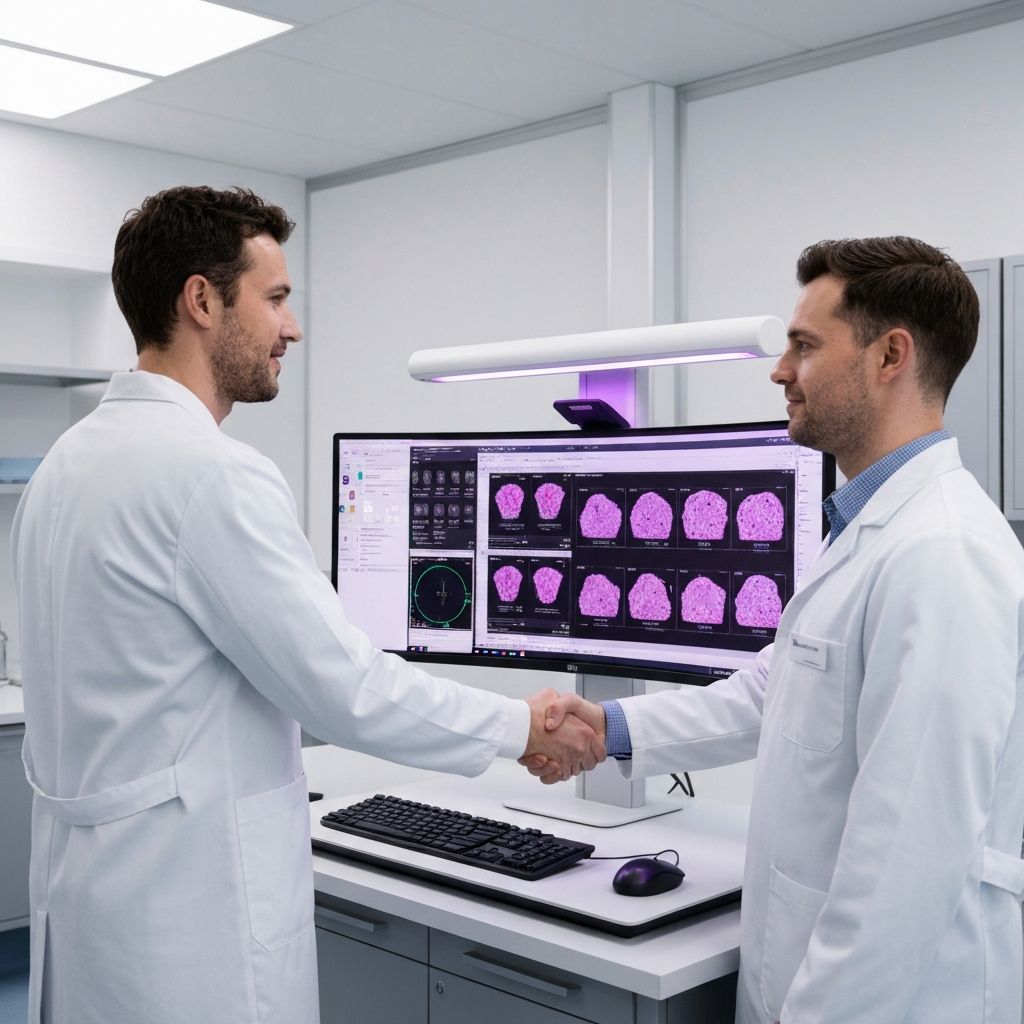
When we began clinical deployments, we assumed the hard part of integration would be regulatory. It was not. The hard part was, and continues to be, laboratory information systems. Every hospital we work with runs a different combination, and every pathologist we meet has an even lower tolerance for new software than the literature suggests. This post is a practical account of how we integrate without disrupting the workflow.
The single rule we never break
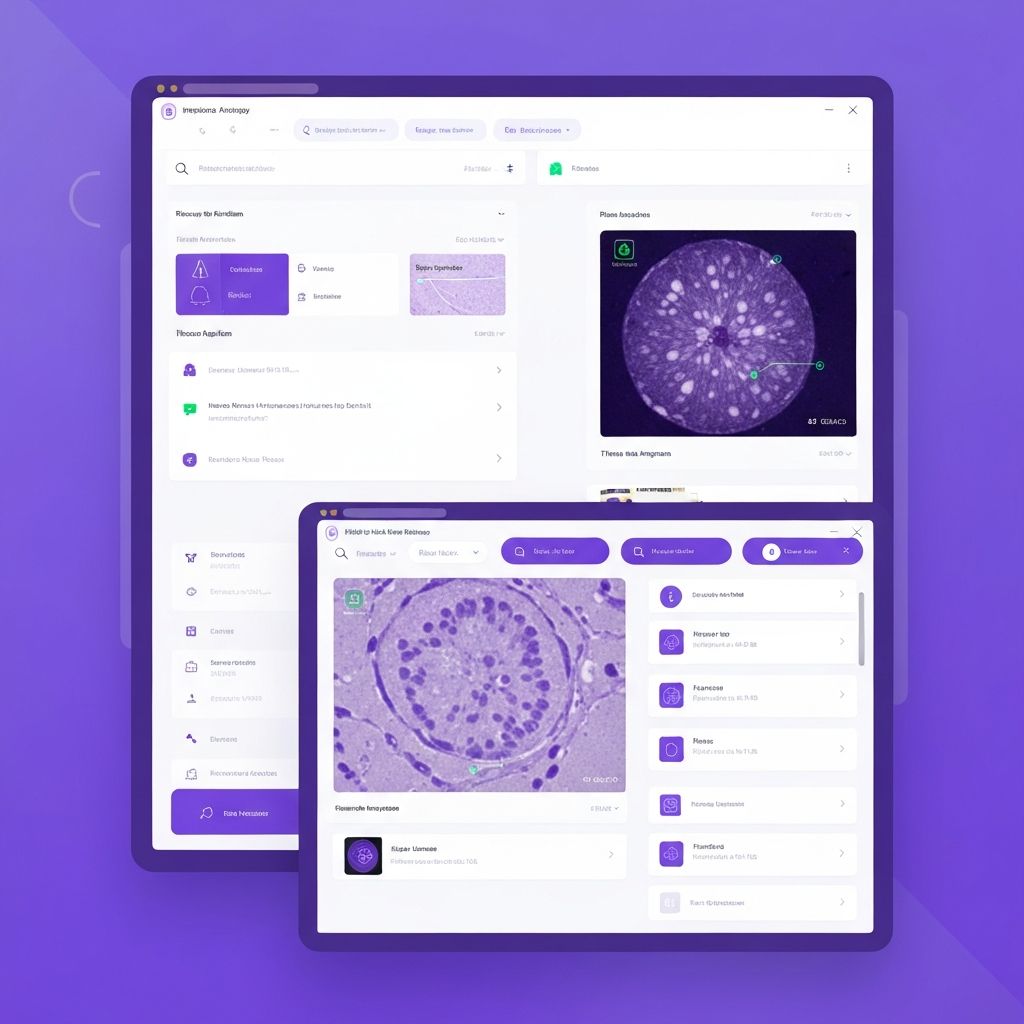
No pathologist should ever have to log in to a second application to receive an AI suggestion. If our integration requires that, the integration has failed. The AI result must surface inside the tool they already have open — typically the slide viewer that ships with their scanner vendor, or an LIS-embedded viewer.
How we technically deliver this
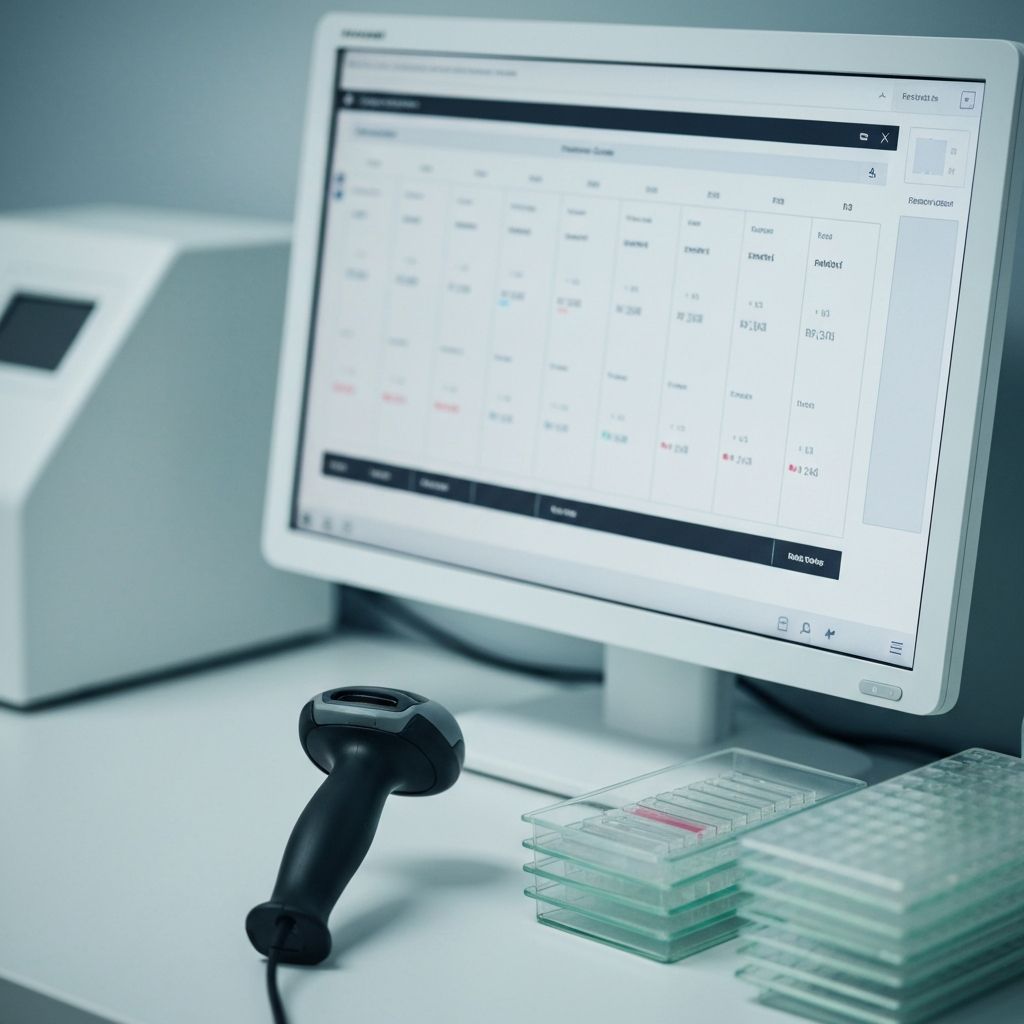
- We ingest the DICOM or WSI file directly from the scanner's output directory, so the lab's existing upload process is unchanged.
- We return structured results through a standards-compliant DICOM SR (Structured Report), which most modern LIS systems can consume without bespoke middleware.
- For viewer-layer integrations we expose a narrow HTTP API that renders overlay regions in the native tool, rather than replacing the tool.
What we learned the hard way
Every deployment uncovers a new LIS quirk that no documentation describes. We now allocate a full week of on-site engineering to each new partner before go-live, and we maintain a shared knowledge base across deployments so quirks we have already solved never re-surface at the next site.